In this class, we look at four different domains and compare tools for each of these domains. This will hopefully uncover how every tool makes assumptions about the production process, thus also deciding the shape of the final product.
Scalable Vector Graphics
SVG
Overview. A Scalable Vector Graphics file is a file format not unlike HTML that uses XML tags to represent the shapes in the image. This is helpful if you're dealing with graphics imagery that can be represented by vectors, but less helpful when dealing with pixel-based content like photos. Here's a simple SVG image with a red circle:
<svg width="100" height="100">
  <circle cx="50" cy="50" r="40" fill="#FF0000" />
</svg>
Benefits. SVG files have many benefits over other image formats like JPG or PNG: they scale to any size without loss of quality, file size is not tied to image dimensions, and as SVGs are XML, browsers can manipulate SVG files on the fly with JavaScript.
Uses. SVG files are used in poster designs that need to print at high resolution, typeface design (because font files are vector files), and responsive web designs that need to be displayed on screens of different sizes.
Problems. Writing an SVG file by hand is not the most intuitive experience. Therefore, many tools exist that allow you to create SVG files through UIs or by using a programming language.
Illustrator
Overview. Adobe Illustrator was first released for Mac in 1986, a decade before the internet exploded in the mid-90s. Illustrator was a commercial version of a tool that Adobe internally used for font design, and although features for 3D and perspective drawing have been added, this focus has effectively not changed in the last 30 years.
Assumptions. Illustrator assumes that the user wants to work with a mouse to draw shapes in the artboard. The tool menu is mostly based on processes that came before the computer (brush, pen, paint). The color picker shows a single hue at a time, and designers are left with no way to visualize the relationship between the selected colors.
Benefits. Illustrator makes it easy to do freehand drawings while preserving the editing capabilities of a digital file.
Problems. By starting with a blank canvas, Illustrator does not encourage designers to think systematically about their design process.
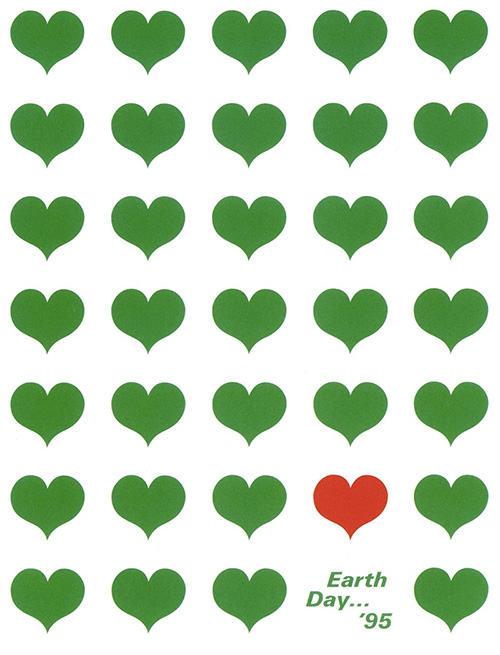
Rune.js
Overview. As SVG files are just text strings, it's actually rather easy to write a JavaScript library that can generate them. Rune.js is a JavaScript library that helps designers create SVG files systematically with algorithms. Here's a snippet that draws a grid of circles:
var r = new Rune({
  container: "#canvas",
  width: 500,
  height: 400
});

for(var x = 0; x < r.width; x += 40) {
  for(var y = 0; y < r.height; y += 40) {
    r.circle(x, y, 15)
      .fill(255, 0, 0)
      .stroke(false)
  }
}

r.draw();
Assumptions. Rune.js assumes that your designs are created based on some underlying systematic rule. This forces the designer to create designs that are inherently better done in code than with the mouse, and this has a big effect on the output.
Benefits. Users are not constrained to what they can perform with the mouse. By using a programming language, designers are forced to think and develop a system before drawing anything on the screen.
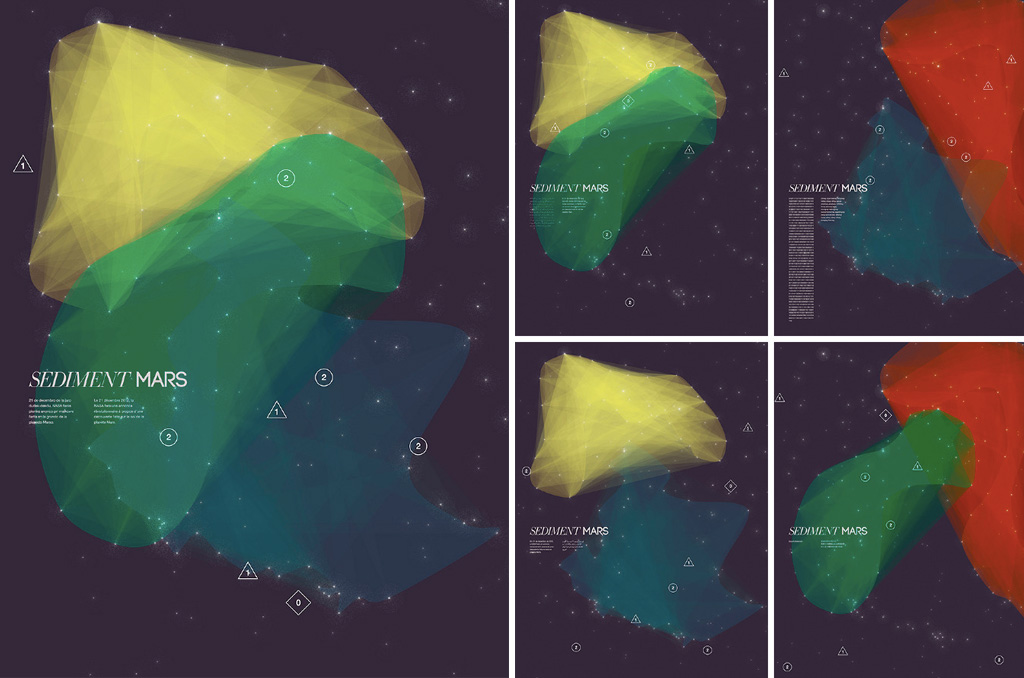
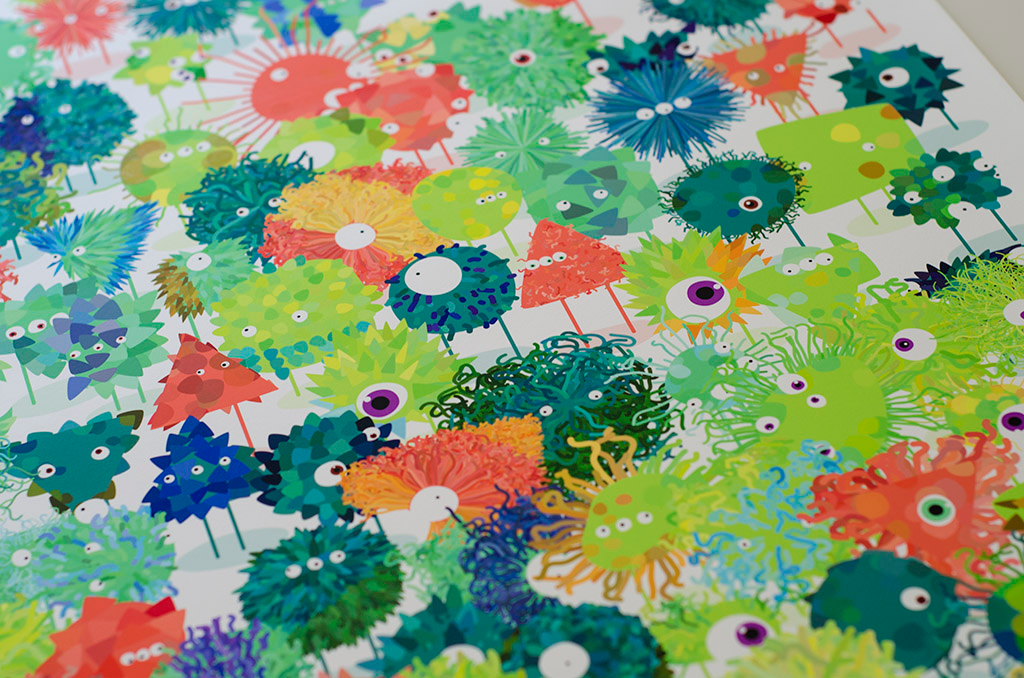
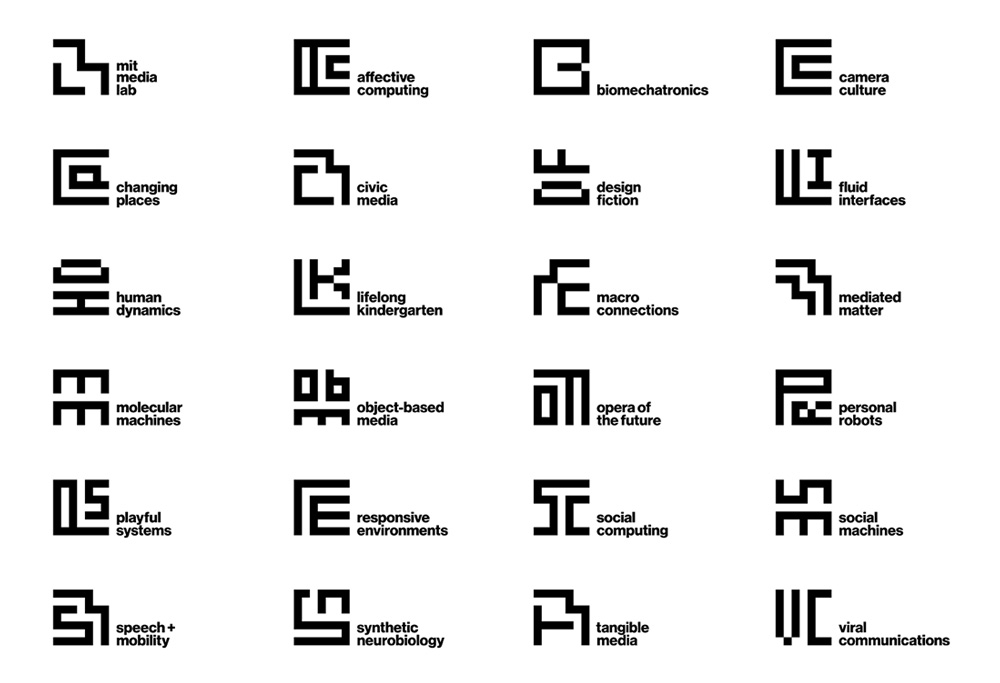
Problems. Very few designers know how to program. When you force people to write code to produce designs, you are automatically narrowing the user base.
Based on these two SVG tools, it would be interesting to consider what a tool bridging those two worlds would look like. A tool that doesn't require the use of a programming language, but still encourages designers to use algorithmic approaches. Amaziograph is one interesting tool that tries to do that.
Image Filters
Photoshop Filters
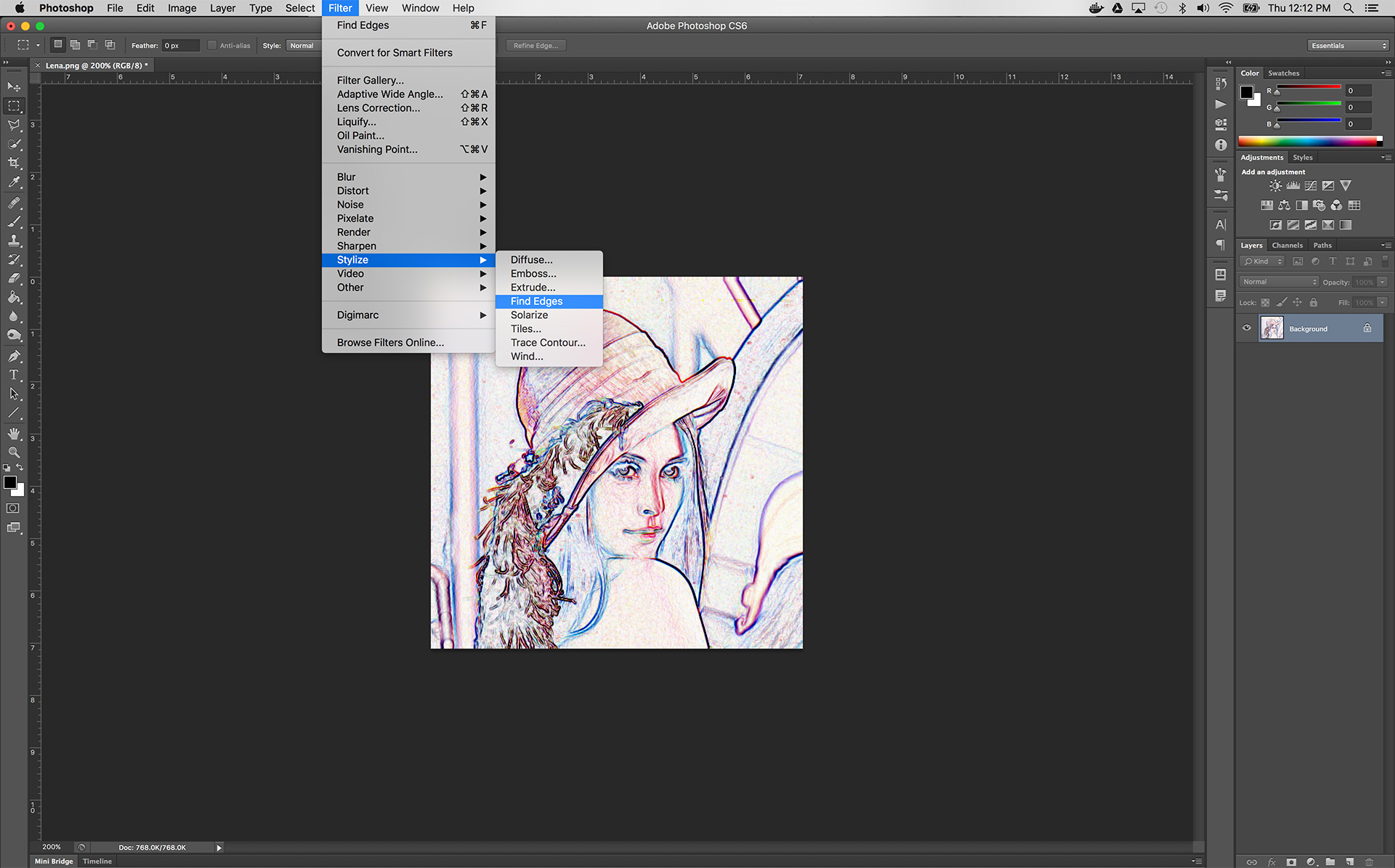
Overview. Adobe Photoshop was first released for Mac in 1990 and quickly became the industry standard in digital photo editing. In 1991, Adobe introduced filters and support for third-party Photoshop-compatible plugins in Photoshop 2.0.
Benefits. Photoshop filters provide access to complex image processing techniques from within a reliable, well-known and easy-to-use interface. Filters are provided alongside a wide range of other photo editing tools within Photoshop, allowing them to be used as individual components of much larger projects.
Assumptions. Photoshop filters tend to come with many built-in assumptions about their use, generally distilling their customizable features into a small handful of parameters. Due to their widespread proliferation in the 90s and their limited capacity for user-customization, Photoshop filters are now seen by many designers as kitsch.
GLSL Shaders
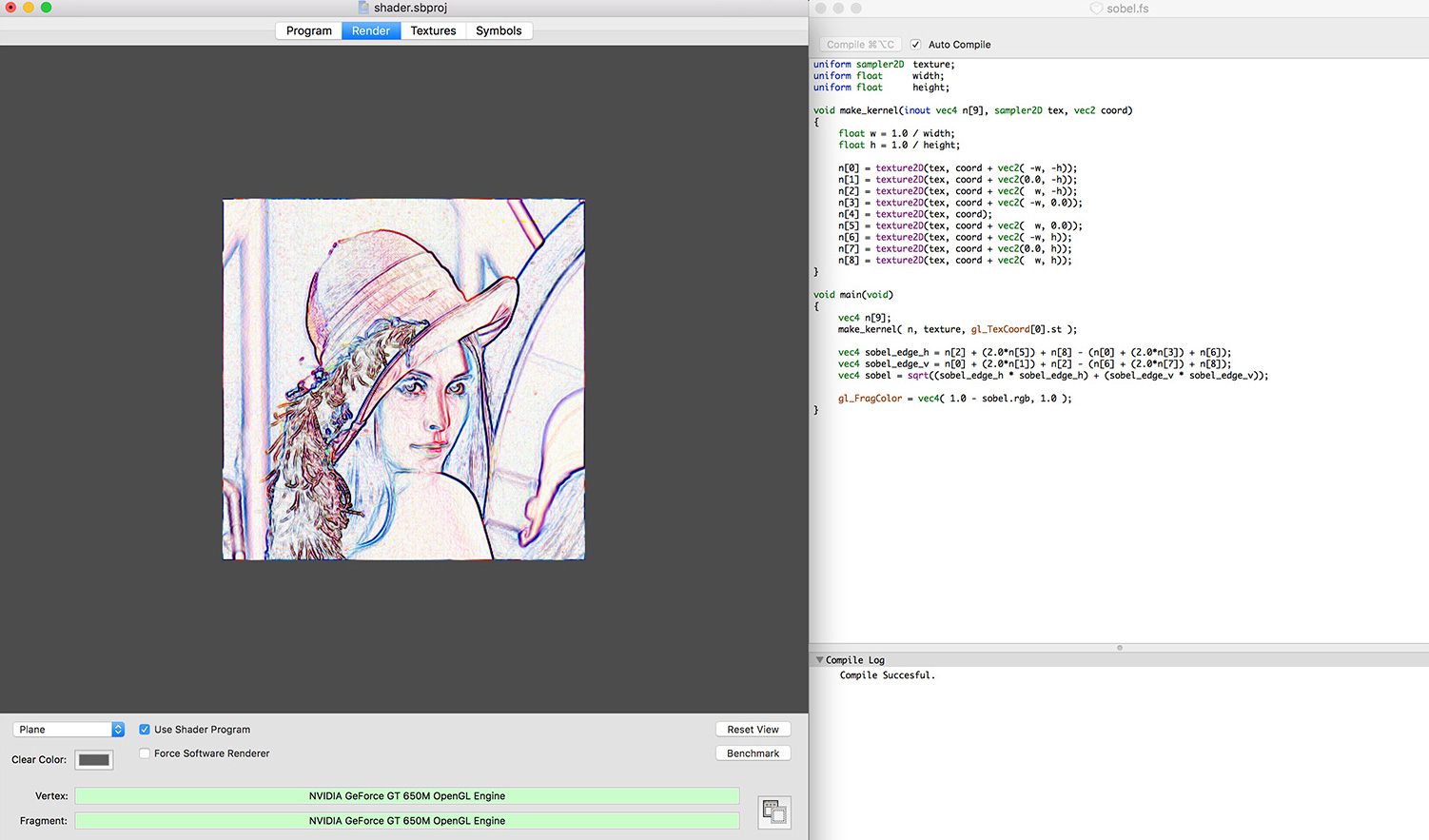
Overview. The OpenGL Shading Language (GLSL) is a high-level shading language that uses a C-like syntax. It was originally introduced as an extension to OpenGL 1.4 in 2002 and formally included in the OpenGL 2.0 core in 2004. GLSL shaders do not serve as stand-alone applications and must be embedded within applications that use the OpenGL API.
GLSL provides five shader stages:
- Vertex Shaders: Handles the processing of individual vertices. Can be used to apply geometric transformations, per-vertex lighting or perform setup work for later shader stages.
- Tessellation Control/Evaluation Shaders: Subdivides patches of vertex data into smaller primitives.
- Geometry Shaders: Handle the processing of primitives. Takes a single primitive as input and may output zero or more primitives.
- Fragment Shaders: Processes fragments to output color and depth values for a given fragment. Sometimes called a Pixel Shader.
- Compute Shaders: Used for computing arbitrary information, not directly related to drawing triangles and pixels.
Benefits. GLSL shaders are highly open-ended, enabling an infinite range of image processing techniques, graphical stylizations and geometric transformations. They are cross-platform and fast, taking advantage of massively parallel GPU processor architecture.
Assumptions. GLSL shaders require a deep understanding of parallel programming techniques and the OpenGL graphics pipeline. To take advantage of massively parallel GPU architecture, GLSL shaders are designed around a per-pixel way of thinking about image processing algorithms, which can be unintuitive for beginners.
Links:
- GLSL Sobel Edge Detection: Vertex Shader, Fragment Shader
- Photoshop Math with GLSL Shaders
- Shadertoy.com — a wide range of pre-built shaders
- The Book of Shaders — a guide to fragment shaders
HTML5 Canvas
HTML5 Canvas is an element in the HTML5 spec that allows for drawing graphics via JavaScript. The canvas is a pixel-based drawing surface, which means that it cannot upscale without the loss of quality. Here's a red circle moving across the screen in raw canvas:
var x = 0;
var y = 250;

function setup(){
  window.requestAnimationFrame(draw);
}

function draw() {
  var ctx = document.getElementById('canvas').getContext('2d');
  ctx.clearRect(0,0,500,500);
  ctx.beginPath();
  ctx.arc(x, y, 40, 0, 2 * Math.PI, false);
  ctx.fillStyle = 'red';
  ctx.fill();

  if(x < 500)  x++;
  else x = 0;

  window.requestAnimationFrame(draw);
}

setup();
P5 is a JavaScript canvas drawing library that wraps the Canvas API into something that is easier to use for beginners. The same animation rewritten in P5:
var x = 0;
var y = 250;

function setup() {
  createCanvas(500, 500);
  noStroke();
}

function draw() {
  background(255);
  fill(255, 0, 0);
  ellipse(x, y, 80, 80);

  if(x < 500) x++;
  else x = 0;
}
Create.js is a JavaScript canvas drawing library that uses an internal scene graph for rendering shape objects. Unlike P5, all drawing functions return a shape object, and these objects persist on the stage until you remove them again. This means that instead of constantly updating the position of a shape, you can simply say where you want it to go in a certain amount of time, and the library will do it for you. You can also use easings to make the shape move in a non-linear way.
TensorFlow Python and C APIs
TensorFlow Python API
Overview. TensorFlow is an open source software library for numerical computation using data flow graphs. Originally developed by researchers and engineers working on the Google Brain Team, it is the most popular open source machine learning library. Python was the first client language supported by TensorFlow and currently supports the most features.
Benefits. Flexible architecture allowing computation to be deployed to one or more CPUs or GPUs in a desktop, server, or mobile device with a single API. Built-in support for a wide range of mathematical operations relevant to machine learning. Large and active community that regularly open sources cutting edge pre-built machine learning models.
Assumptions. The TensorFlow Python API assumes a working knowledge of the Python language and, in most cases, a general understanding of machine learning.
TensorFlow C API
Overview. The TensorFlow C API provides low-level access to TensorFlow's core functionality through the C language. At this time, the TensorFlow C and C++ APIs do not offer all functionality provided by the Python API, though that functionality is being moved into the TensorFlow core and exposed via the C API.
Benefits. The C API makes it possible to write TensorFlow language bindings for languages such as Go, JavaScript and Ruby. The low-level C and C++ TensorFlow core also provides a backend for all API frontends that accelerates computation for processor-intensive mathematical operations.
Assumptions. The C API assumes a strong understanding of the C language and, for its primary use case of creating language bindings, an understanding of programming language development.