Movable Types
Experimental Consumer Filmmaking Tools
January 11, 2015
To some extent, the enjoyment of narrative has always been about picturing one’s self in the scene. Aristotle’s Poetics, the first formal text on the aesthetics of drama, argues that a narrative should allow the viewer to project him or herself into the depicted scenario, thereby learning from the almost-first-hand experience of the drama’s moral or emotional lessons. As such, Aristotle claims, “Tragedy is a mimesis of action, and only for the sake of this is it mimesis of the agents themselves.” (Poetics, VI). In other words, the characters are a mere vehicle for the scenario in which they find themselves and are meant to be replaced in the imagination of the viewer.
Aristotle suggested that this could be achieved, in part, by the playwright’s construction of characters who are morally relatable to the viewer. But for this “experiment in narrative,” we have taken a slightly more literal approach…
For our “Moveable Types” experiment, we were interested in allowing the viewer to watch a scene from a pre-existing movie and then step into the film and perform the leading role. The project’s working title — “Moveable Types” — is a reference to optical-character-recognition (OCR) software, which translates a photographic image of text into an editable text document. Here, we wanted to extract the other kind of “character” from the image.
As a starting point, we chose a scene from the Charlie Chaplin film,Modern Times. Monique Saunders painstakingly rotoscoped each frame of the sequence in order to separate Chaplin from the scene’s background. On the background layer, Monique painted in the parts of the scene that had been occluded by Chaplin, so that in the end we had two separate videos, which looked like this:
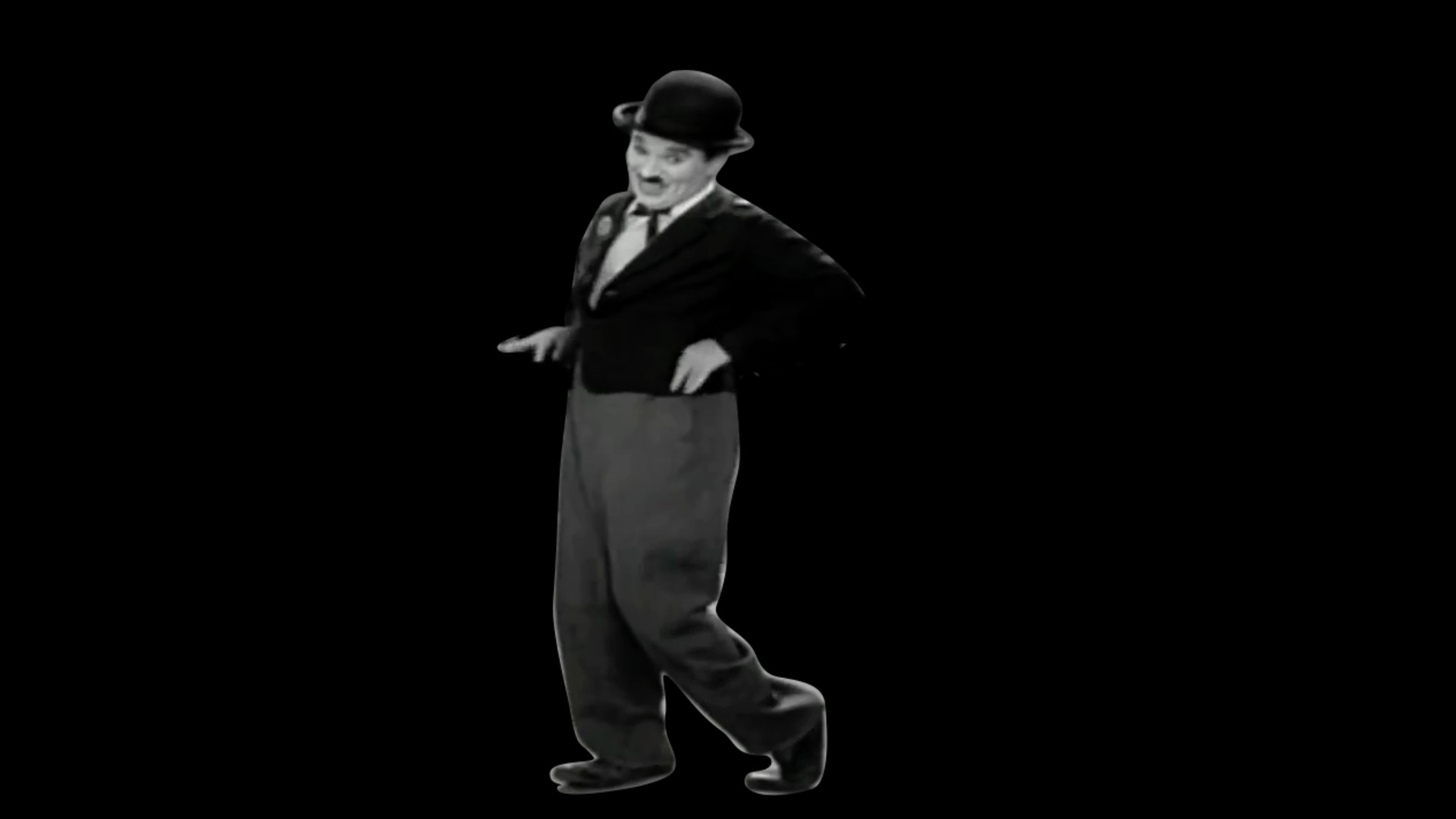
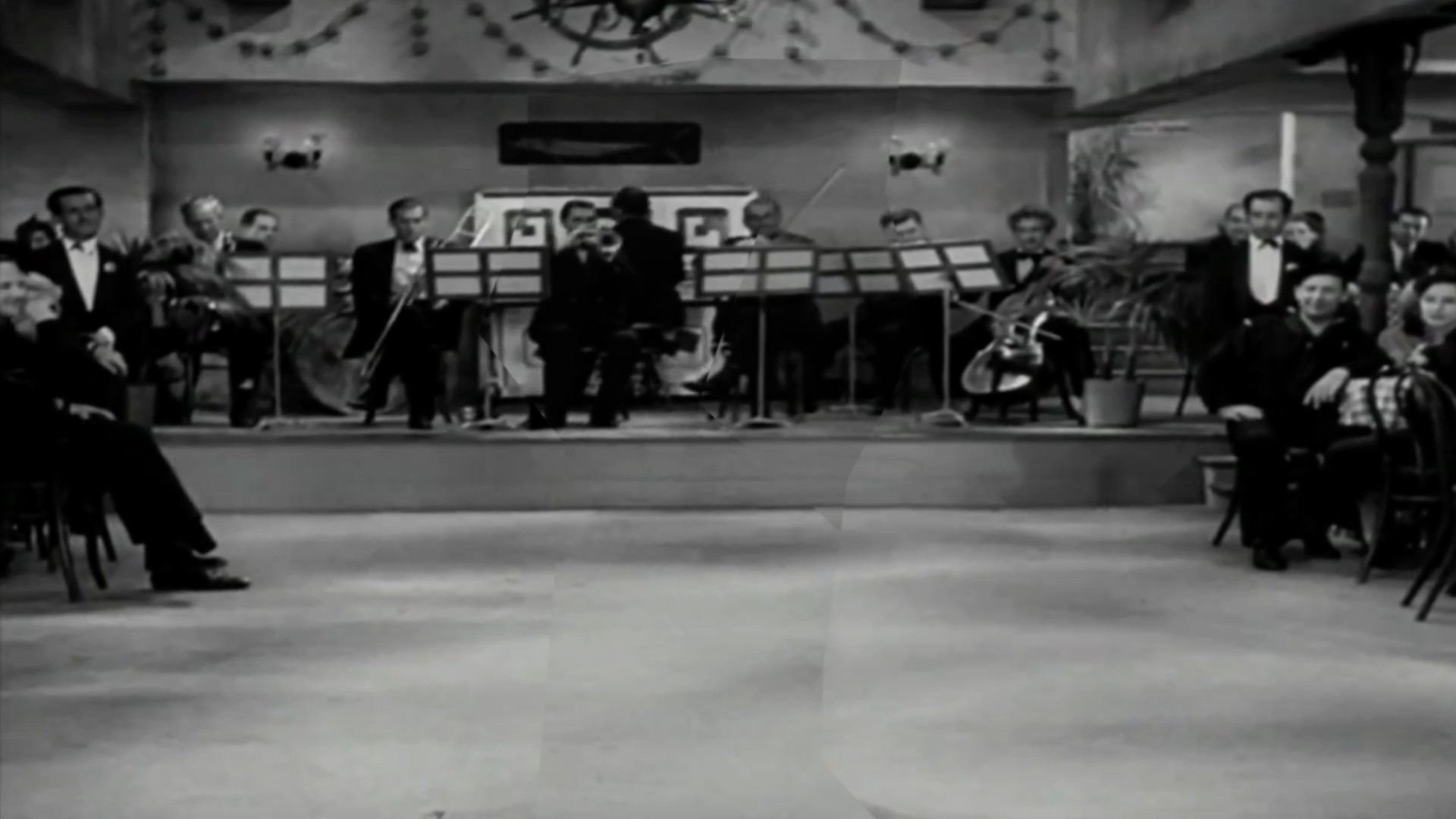
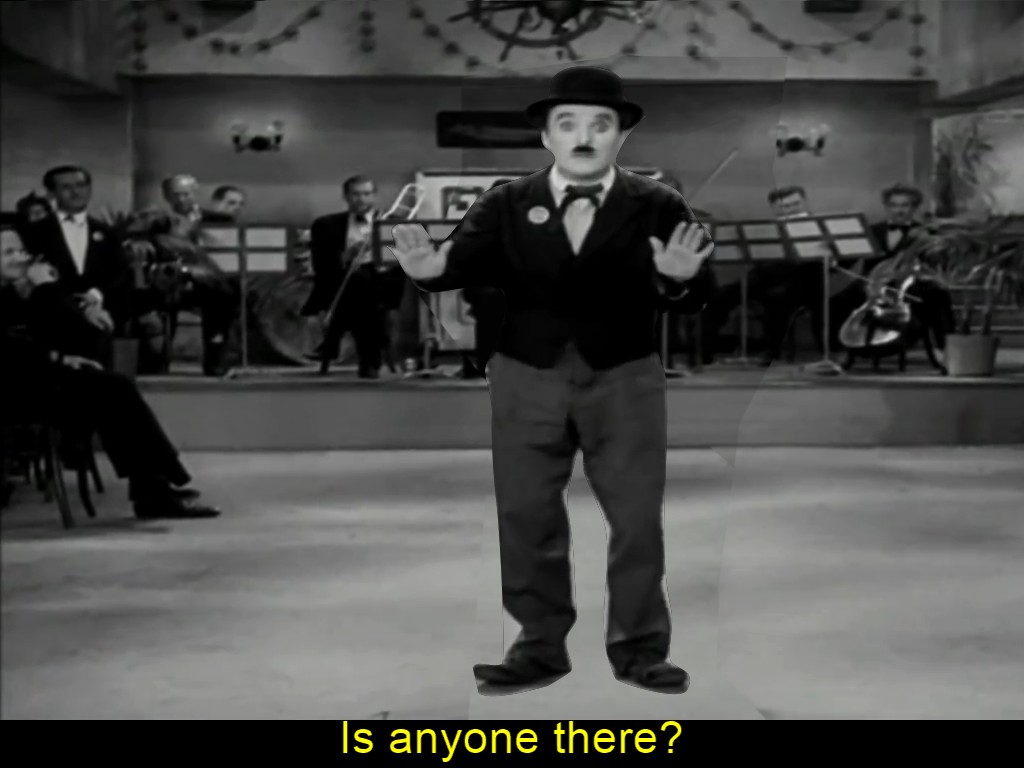
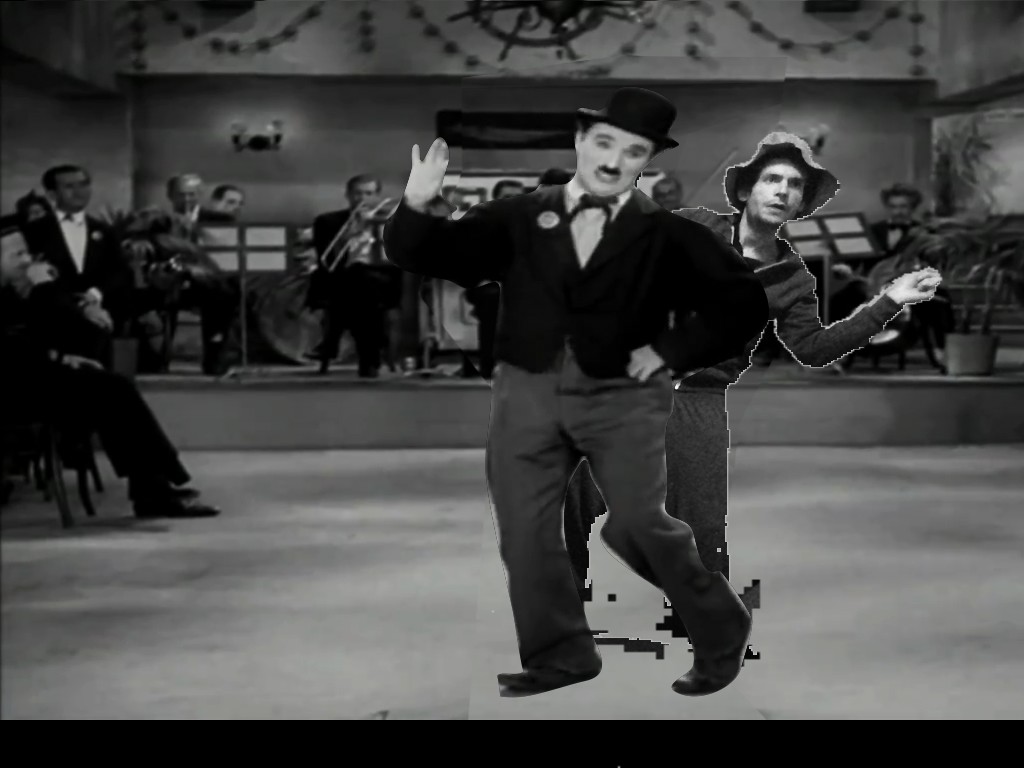
Next, I wrote some software to integrate with the Microsoft Kinect’s ability to detect a user in its camera’s field-of-view and provide an image-mask that separates the user from the background. With this, we could insert the user into the scene, allowing him or her to perform Chaplin’s dance in a form of video Karaoke.
We wanted interaction with the software to be as performative as possible and not rely on any user-interface (buttons, etc) that would distract the user from the scene. To enable this, I coded a simple dynamic into the software: whenever the user became visible to the Kinect camera, he or she would become visible within the scene and Chaplin would disappear. When the user exited, Chaplin would reappear. Either way, the scene’s background and soundtrack would continue to loop, allowing the user to learn the dance by alternating between watching it and refining the performance of it.
Several years before I started writing software, I made this film for an undergraduate course I took with the landscape filmmaker, Peter Hutton:
I had been watching the making-of documentaries that accompanied Peter Jackson’s Lord of the Rings films and became interested in the idea that when watching fast-paced action sequences, we were generally distracted by the people, weapons, and explosions flying around the foreground and paid almost no attention to the background landscape. In Mattes for an Action Film, I tried to highlight only the landscape within the cinematography and shot-grammar of a Shaw Brothers–esque fight sequence.
In the context of our “Moveable Types” / “Consumer Light & Magic” project at ITP, I’ve been thinking of this film again. Making a film generally involves many people – each of whom is assigned to consider the details of one specific domain within the film’s construction as well as to help integrate those details with the overall purpose of the narrative. So while the actor is worrying about how one facial expression or another will convey a particular emotion, the cinematographer is worrying about how one framing of the shot or another will portray that emotion, and so on for each role in the film’s creation. From these many particulars, the whole is formed.
Our project is concerned with using technology to help people tell stories and convey ideas. In filmmaking, perhaps the two greatest barriers to entry and exploration have been that:
- Making a film usually requires more financial resources than one person can commit.
- Making a film usually requires more roles and domains of expertise than one person can fill.
Consumer technologies from camcorders to the Kinect have done a great deal to lower the financial barrier to entry and will continue to do so. However, this is not the whole story. Making a film still requires the synthesis of many individual and disparate details into one cohesive whole. So, I think the question we need to pose is:
How can we help to breakdown the overall process of filmmaking into its component roles, making each accessible in a manner that solicits rather than supplants the user’s creative input?
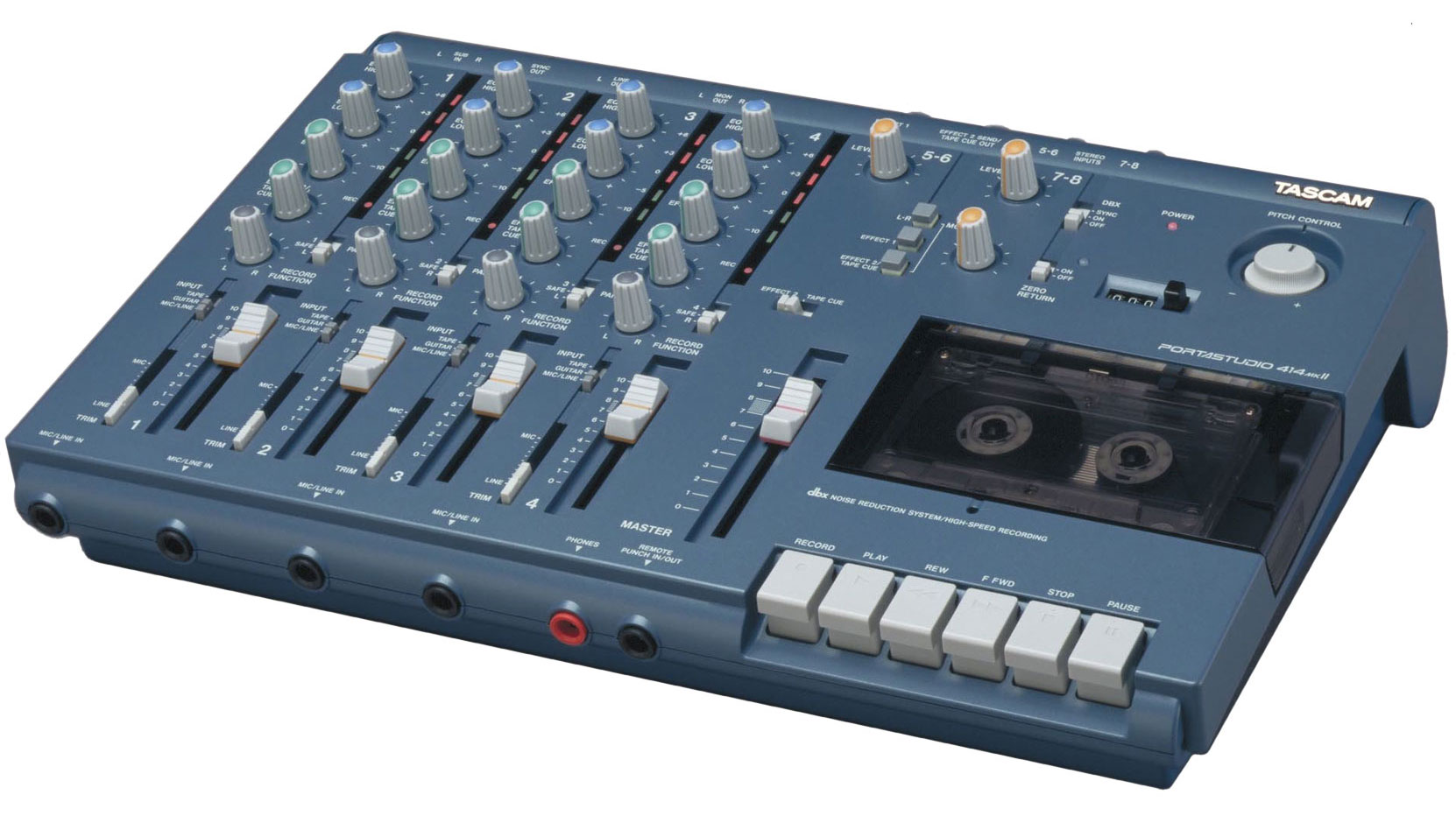
The 8-Track allows you to record yourself performing one instrument’s role in a song, then play this track back while performing another instrument onto a separate track and so forth for each instrument. If you make a mistake on one track, you can go back and re-record only that track. Through an iterative, looping process, it enables its user to become a one-man-band. The user still has to know how to perform each role, but the recorder allows him or her to unroll the simultaneous performance of each instrument into the successive stages of an individual’s creative process.
Remember Photoshop filters? Of course you do, they’re still around. Perhaps if you stretch your memory a bit further, you can even picture a time when they were still exciting to you. With one click, you could turn your photos into frames from the movie Waking Life.
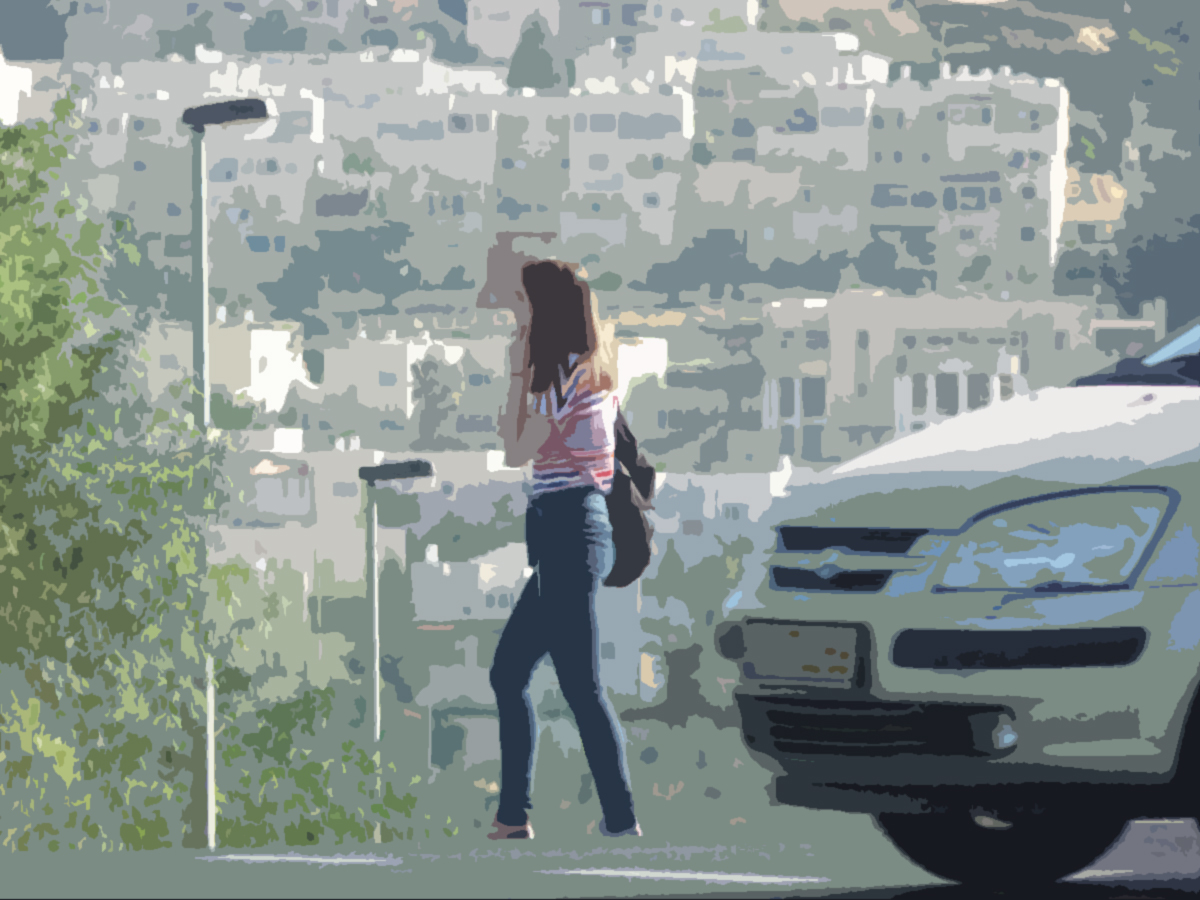
It was fun for awhile, but it didn’t take long for this activity and the images it produced to start feeling canned, mechanical and lifeless. No matter how much you liked the output, it was hard to ignore the feeling that it wasn’t really yours.
As I started thinking about how these canned effects would insinuate themselves into more recent advancements like the Kinect camera, I pictured this:
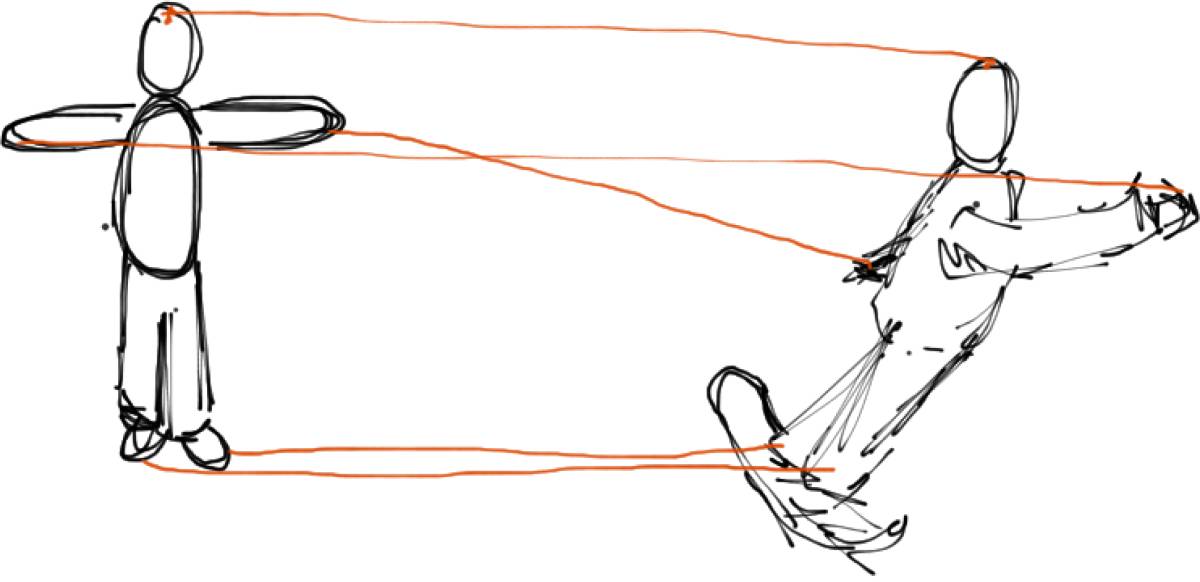
In the diagram above, the user stands completely motionless. Through the magic of the Kinect’s skeleton recognition and mapping capabilities, the user’s image is remapped onto the far more lively pose of a snowboarder swiftly making his or her way down a mountain. Sounds like fun, right? Not exactly a cathartic experience.
Of course, design tools often land at the other extreme – vast oceans of menus and options, which require expert knowledge to navigate effectively. Though learning such tools may be tedious and time-consuming, the reward is clear: the output can be anything you like. In a professional 3D modeling environment, you can pick and choose individual laws of physics for inclusion in your world. You can tune the look and feel of your rendering down to the individual photon. You just have to know where to find that feature. And, more importantly, you need to have the impulse to look for it in the first place.
Producing professional work will always, by definition, require some level of expertise. But learning to produce original work in a given medium is only tangentially related to memorizing the tool’s vocabulary. The bigger challenge is learning a process or workflow for developing, elaborating, and refining your ideas within that medium.
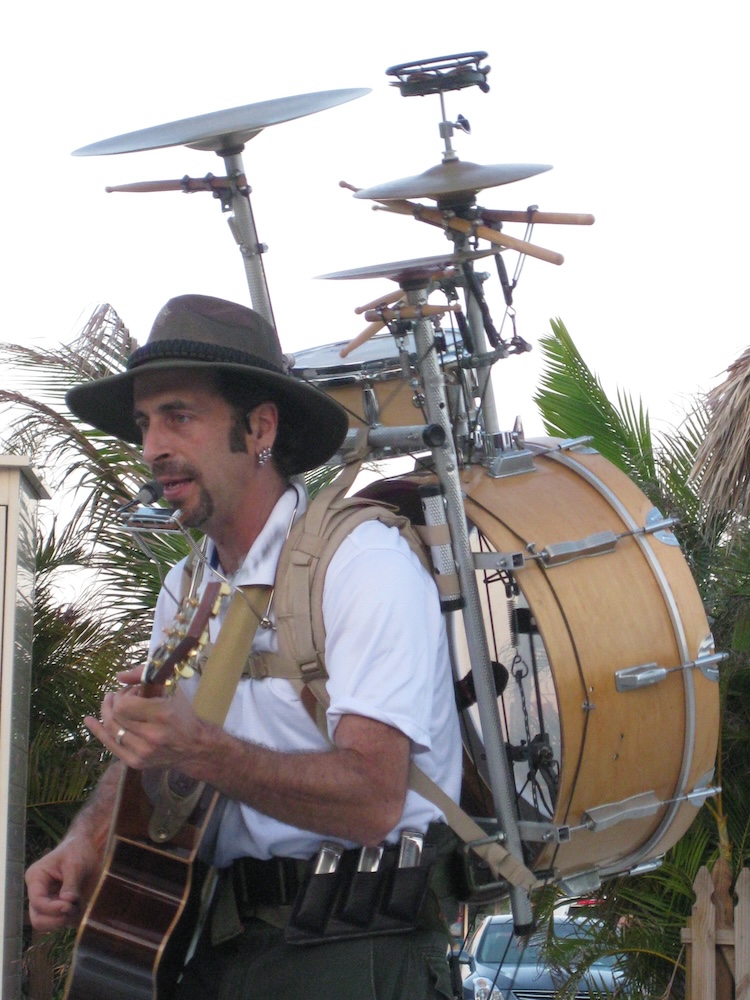
For my most recent “experiment in storytelling,” the Consumer Light & Magic Multi-Track Movie Machine, I was interested in exploring how software could assist the user in his or her process of developing the various inter-related elements of a film without dictating a prescriptive aesthetic or structure. The two conceptual references I kept coming back to were the multi-track tape recorder (as mentioned in my previous post) and the outlandish image of a “One Man Band”:
The ultimate goal of this experiment (in this and future iterations) is to imagine a complete movie-making studio that can produce any film, yet never requires the user to click a button. Instead, the software should assist its user by unfolding each creative role – cinematographer, actor, etc. – into a series of open-ended, yet mutually dependent component tasks.
In this sketch, the user begins by establishing a series of gestures, which will be used to control the software. For this interaction, I was imagining something along the lines of the game Charades, in which a player begins a new round by pantomiming a gesture to represent whether the secret phrase relates to film, novel, etc.
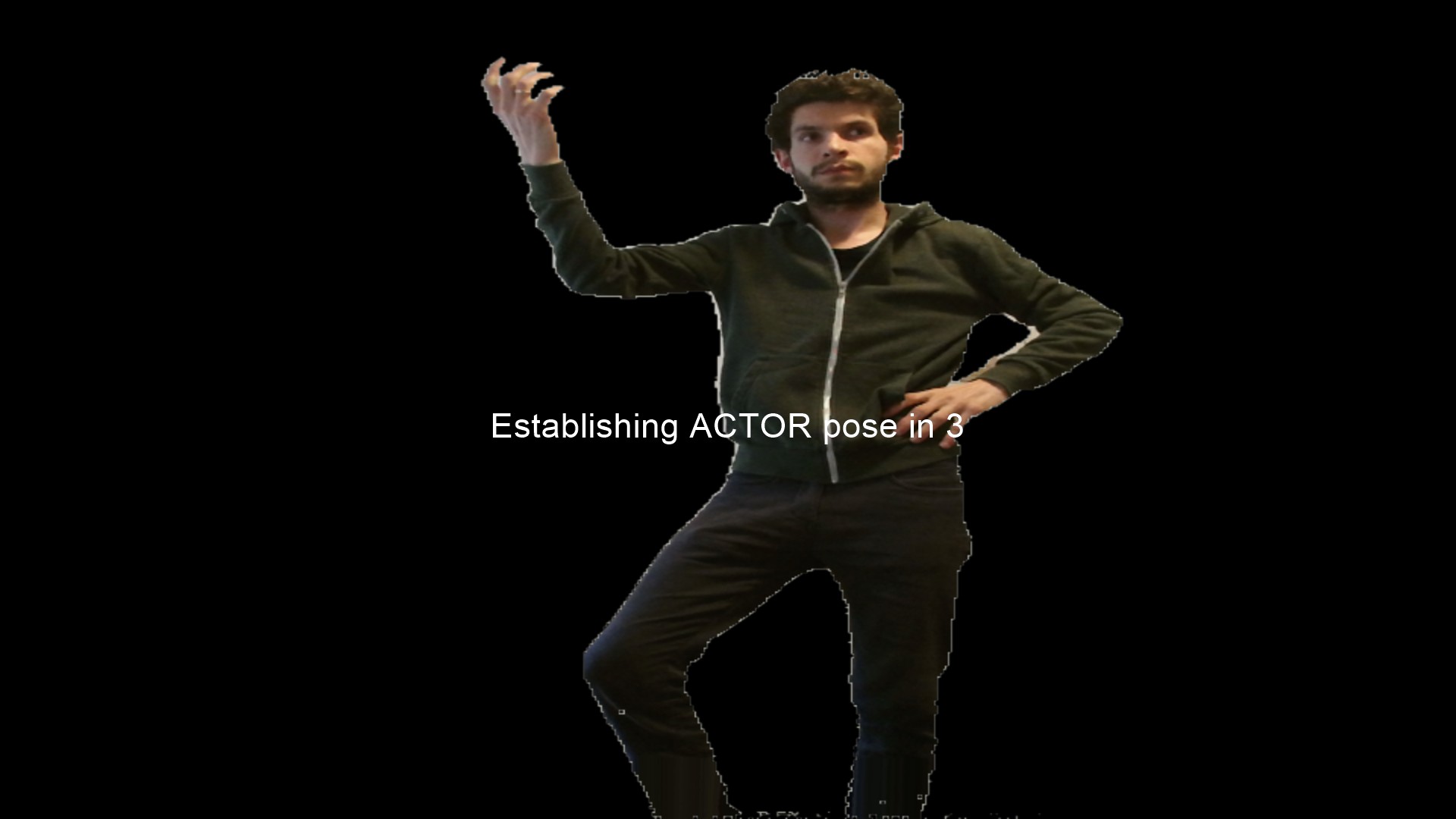
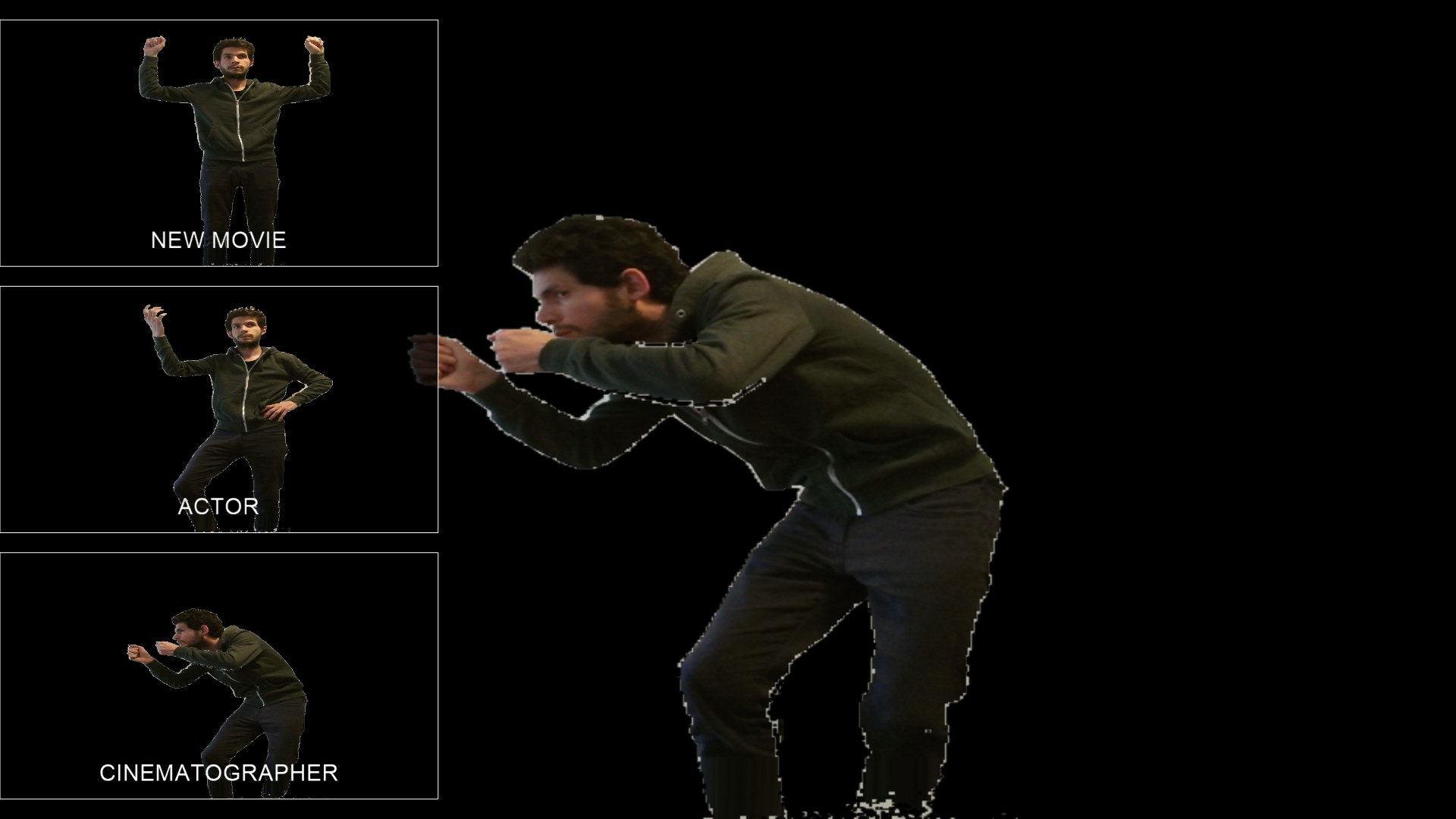
Once the user has established the program’s control vocabulary, he or she may select an activity by performing one of the control poses. In this iteration, those include the roles of Cinematographer and Actor. Later iterations of the software will expand the capabilities of these roles and add others like Foley Artist and Editor.
In Cinematographer mode, the user determines the duration of each shot as well as its “location.” In this sketch, that activity takes the crude form of choosing a background image from a small collection.
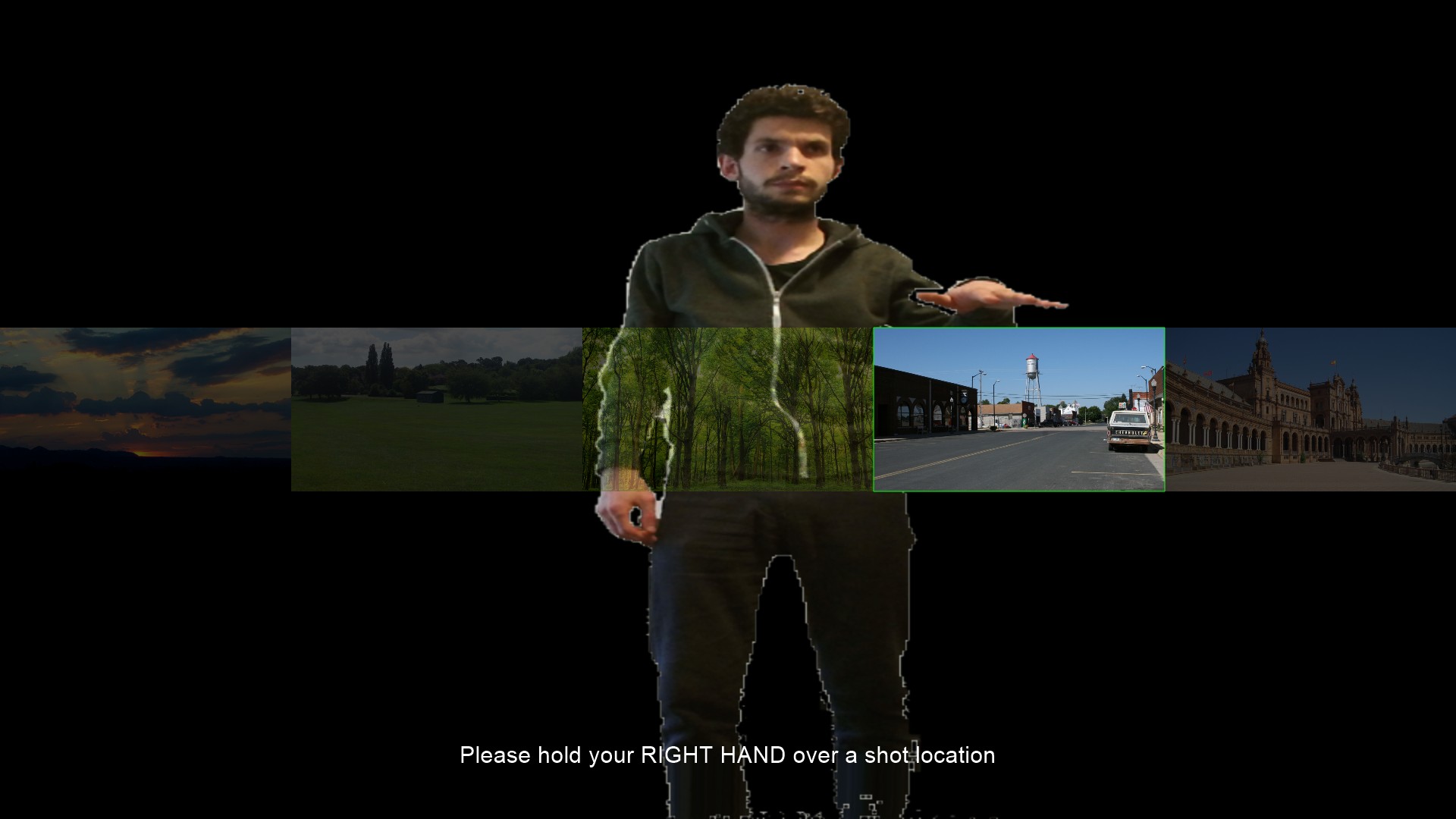
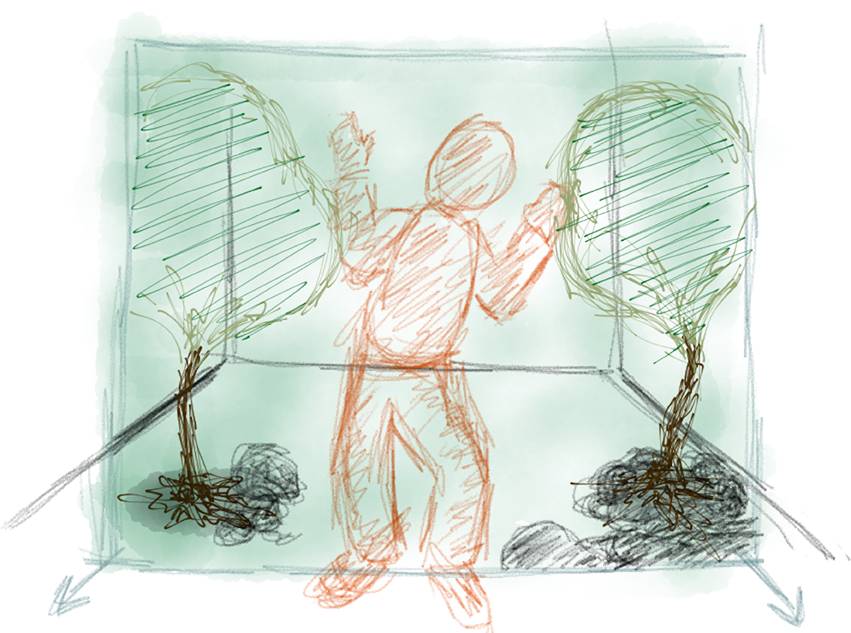
In later iterations of the tool, I plan to elaborate on these capabilities, allowing the user to select a 3D location model and then use performative gestures to position the camera within the location model.
Once an initial “establishing shot” has been selected, the timeline begins and the user can add additional shot markers by performing the Cinematographer pose.
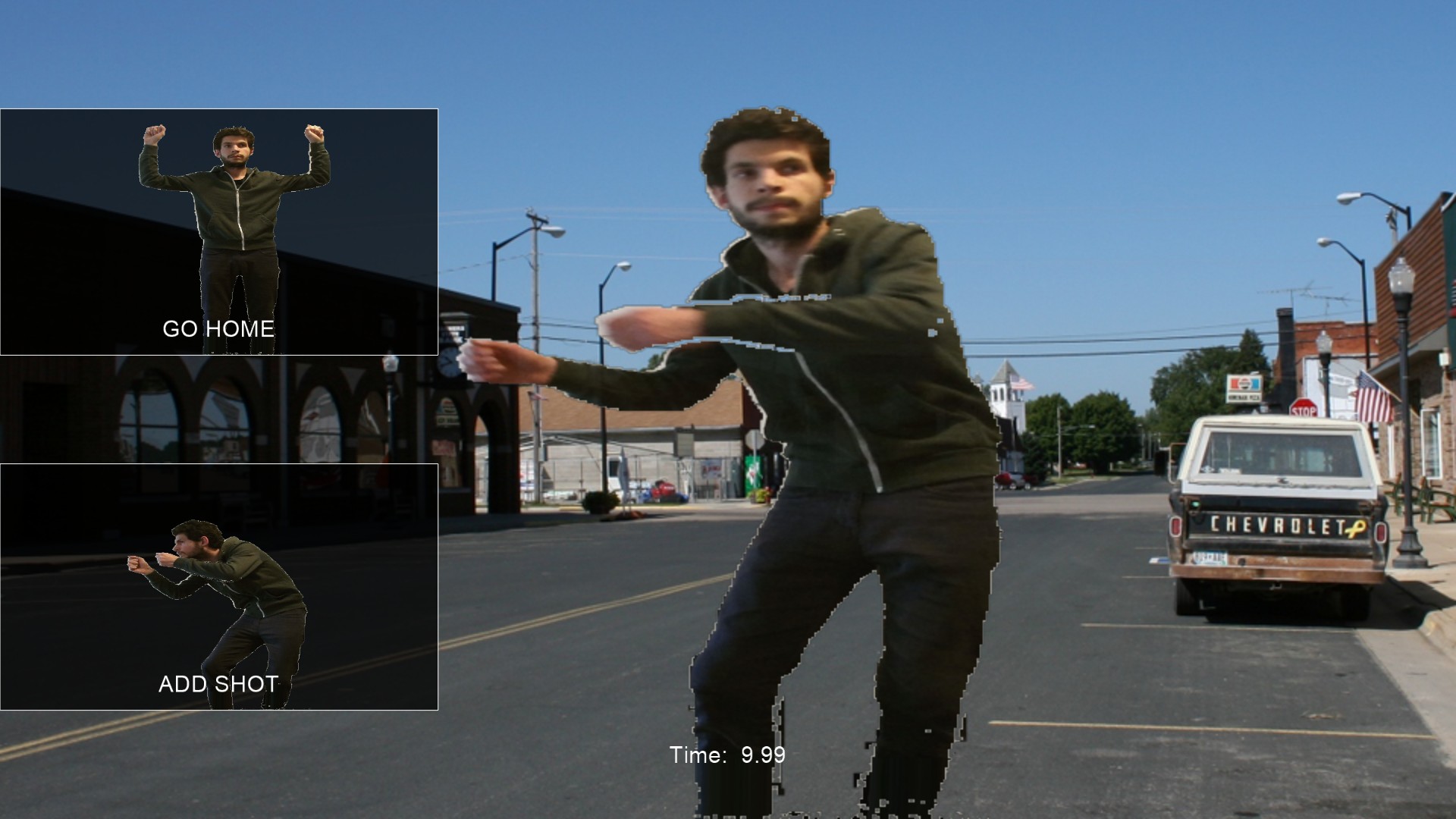
Once satisfied with the shot list, the user can return to the main activities menu and begin to add actor tracks to the sequence. If no Cinematographer track has been established, the Actor activity will treat the sequence as a single un-interrupted shot. Otherwise, the Actor activity will take the user through each shot established by the Cinematographer – first showing the Actor a preview of the shot and then recording the performance.
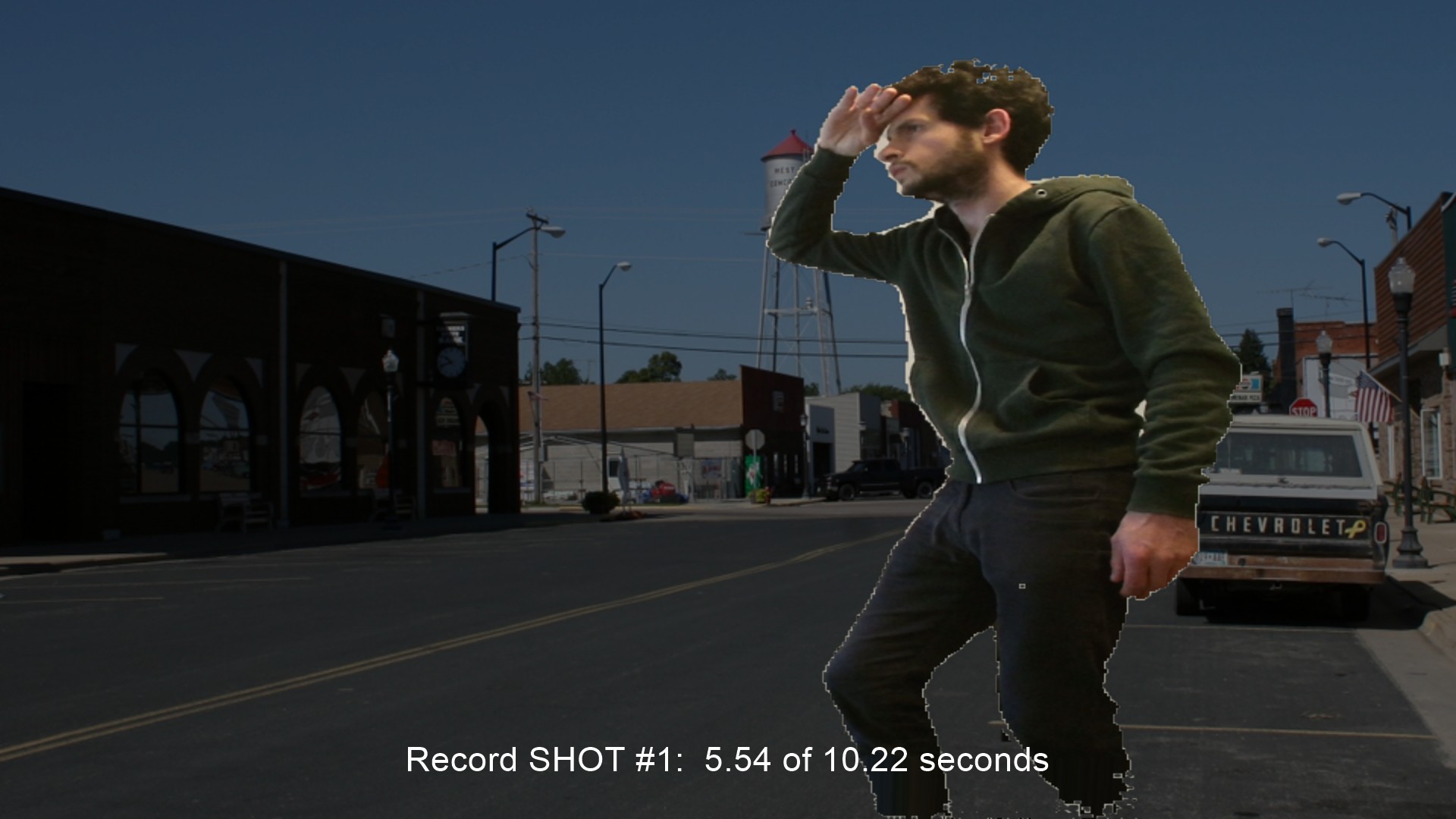
Subsequent Actor performances provide a semi-transparent view of existing Actor tracks to allow the user to interact with previous iterations of him or herself.
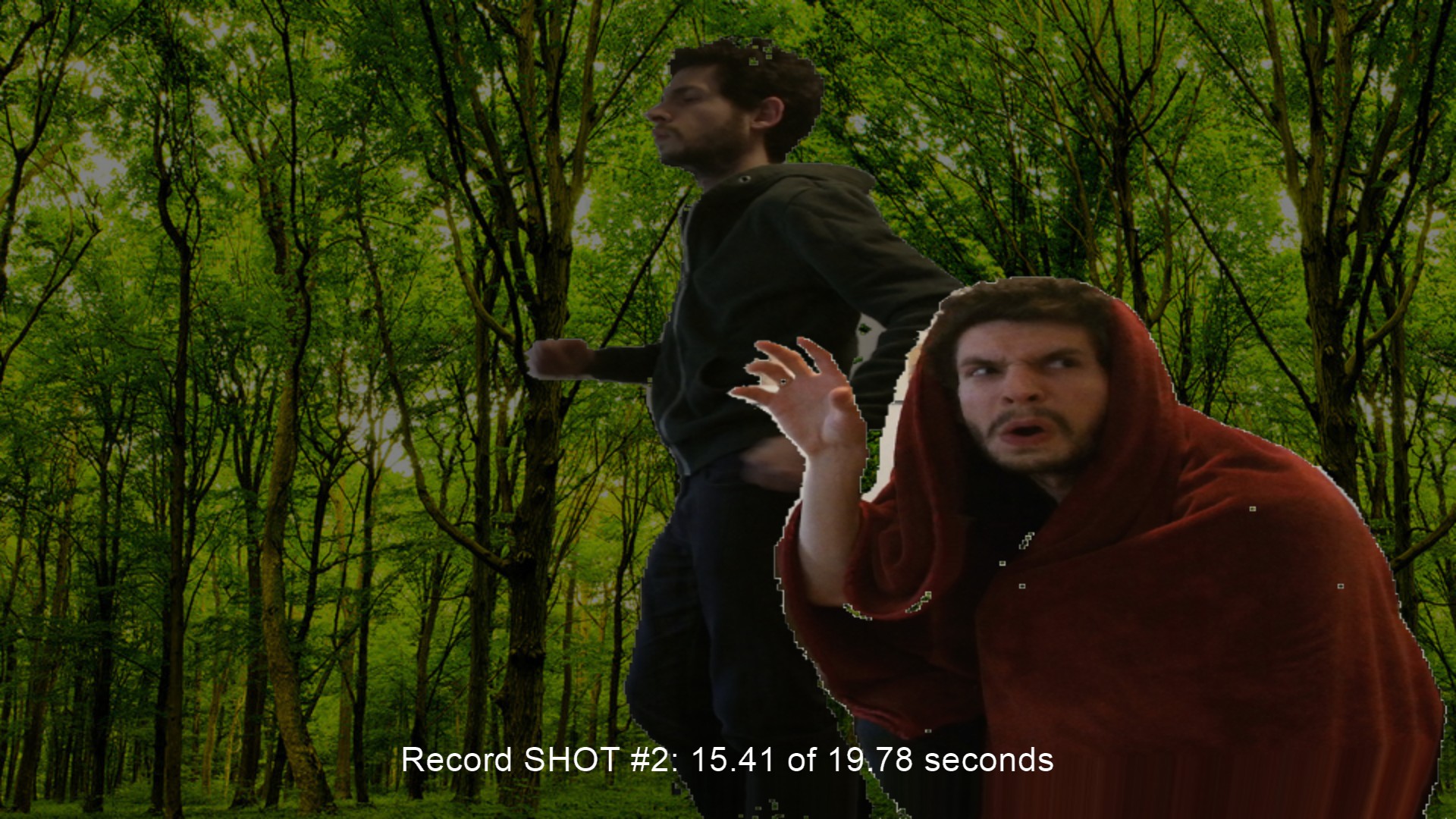
With these simple mechanics, I hoped to achieve a user experience that is not too unlike a group of kids grabbing a camcorder and making a movie in the backyard. While computers allow us to greatly extend our creative reach, we must be careful not to cede control of the fun parts to the machine. As I continue to iterate on this project, I plan to enhance the technical sophistication of each mode, but hope to leave the creative control entirely within the domain of the user.
The Consumer Light & Magic Multi-Track Movie Machine uses Microsoft’s Kinect 2 camera and was written in C++/Cinder.
As a final side note, here’s an article I wrote for Film Commentmagazine a few years ago about the movie Transformers, open-ended play and creative experimentation: Child’s Play: Why Michael Bay’s Transformers is less than meets the eye.